Polyphonic Wavetable Synthesizer

Leaf

Three wavetable oscillators per polyphonic voice, 48 built-in wavetables, and LFO-driven position morphing for constantly evolving timbres. Import your own wavetables. Alias-free audio via mip-mapped Cubic Hermite interpolation.

152 Presets 3 Oscillators / Voice 48 Wavetables User Wavetable Import 16-Voice Polyphony VST3 · AU · Standalone macOS 10.13+ · Windows 10+
USD $30 $40 Intro Offer
Buy on Gumroad

Platform: macOS 10.13+ and Windows 10+ only. Not compatible with iOS, Android, Linux, or ChromeOS.

Single-user license · Activate on up to 2 computers · See EULA
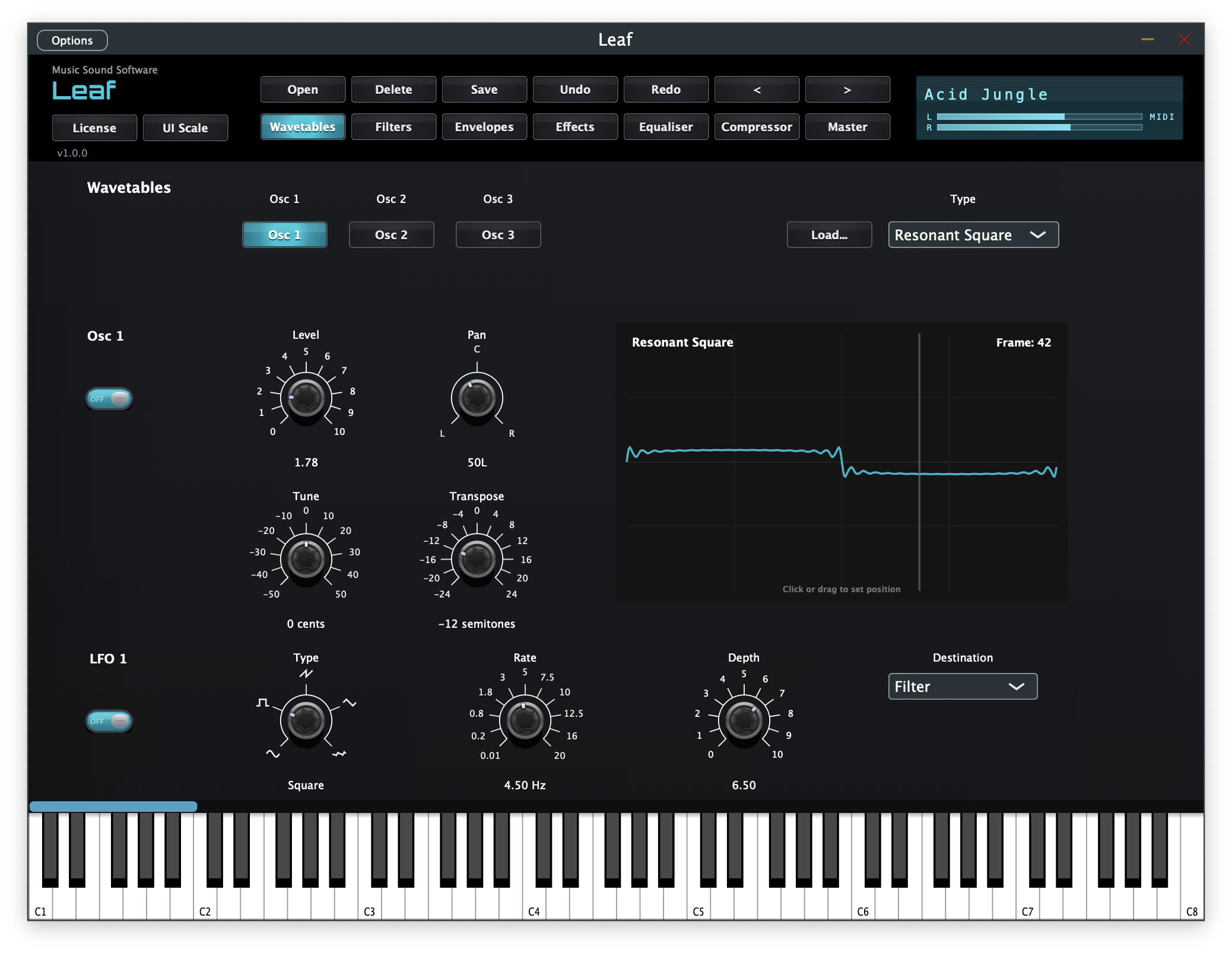
Leaf wavetable oscillator panel

Audio Demos

Full composition demos showcasing Leaf presets in context, plus individual preset demos. The demos were created using Apple MIDI loops and session musicians in Apple Logic Pro.

Demo tracks include drums for musical context. All other sounds are generated entirely from Leaf.

Full Composition Demos

01
Demo 1
Talking Synth · Fractal Lead · Mini Moog · Deep Bass 1
02
Demo 2
Bass Organ 1 · Bass Organ 2 · Deep Bass 1
03
Demo 3
Brass Organ 2 · Jupiter Pad · Synthwave Pluck · Trance Bass
04
Demo 4
Fat Saw Lead · Morphing Lead · Deep Bass 1
05
Demo 5
Shimmer Lead · Techno Lead · Saw Stack · Growl Bass 1
06
Demo 6
Synthwave Pluck · Gated Synth · Monster Bass

Individual Preset Demos

·
Brass Organ 2
·
Brass Organ 2 with LFO
·
Chippy Lead
·
Chippy Lead demo 2
·
Circus
·
Detuned Supersaw
·
Detuned Supersaw demo 2
·
Digital Lead
·
DnB Reese
·
Epic Lead
·
Fat Saw Lead
·
Funk Bass
·
Glitch Stutter
·
Jewellery Box
·
Plasma Lead
·
Sunrise Keys
·
Sunrise Keys demo 2
·
Velvet Organ
·
Video Game

What's Inside

Wavetable synthesis with movement and depth at every level.

Three Wavetable Oscillators

Each oscillator draws from 48 built-in wavetables across five categories: Basic, Analog/Classic, Harmonic/Formant, Digital/Modern, and Complex/Organic.

Wavetable Position Morphing

The Position parameter morphs continuously across 64 tonal frames within a wavetable. LFOs can target wavetable position for constantly evolving, animated timbres.

Alias-Free Playback

Mip-mapped wavetables with Cubic Hermite interpolation automatically select the optimal resolution at every pitch for clean audio across the full frequency range.

User Wavetable Import

Ten user wavetable slots let you import your own single-cycle or multi-frame WAV files and integrate them directly into the synthesis engine.

Per-Oscillator Modulation

Every oscillator has its own filter (Low Pass, High Pass, or Flat/bypassed), amplitude envelope, and LFO. LFOs target pitch, level, pan, or wavetable position — five waveforms (Sine, Square, Saw, Triangle, Random).

16-Voice Polyphony

Up to 16 voices with portamento/glide, pitch bend, and mod wheel support built in for full expressive control.

Global Effects Chain

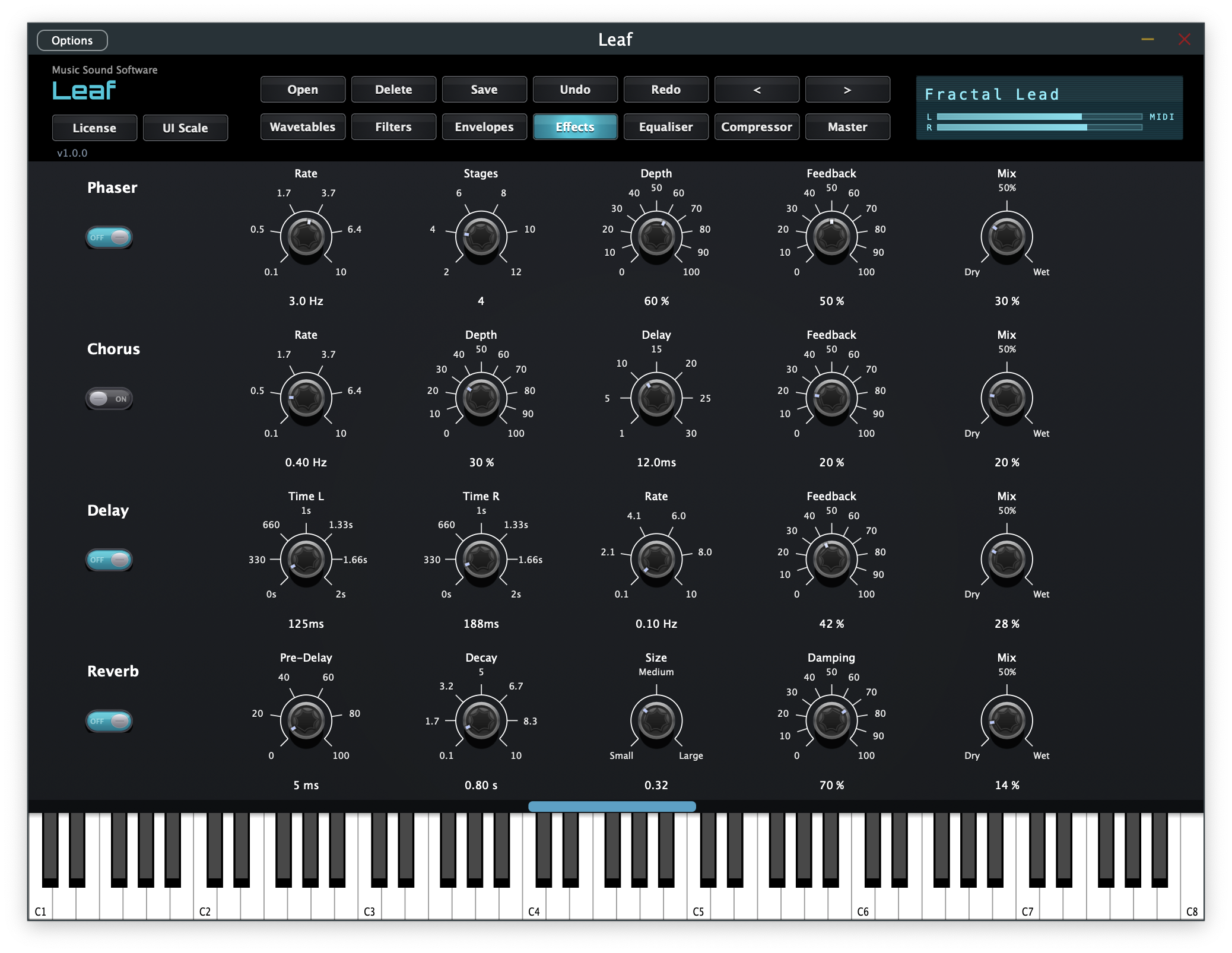
Phaser (2–12 stages), Chorus, stereo Delay with independent L/R times, and Reverb with pre-delay and damping.

152 Factory Presets

Pads, leads, organs, basses, and more — from clean sines through glitchy digital textures to organic timbres like Voice, Reed, Brass, and Bell.

Interactive Visualisers

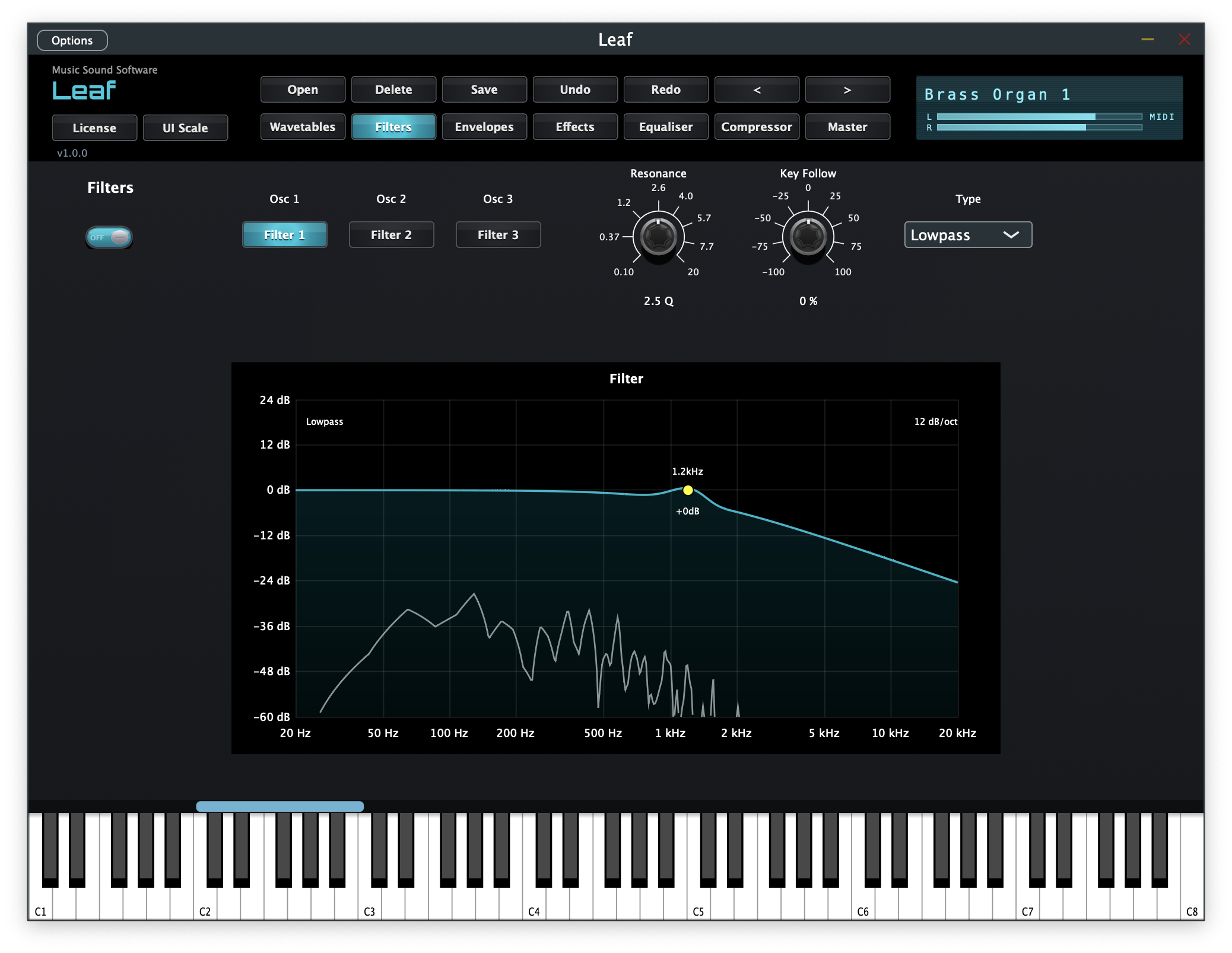
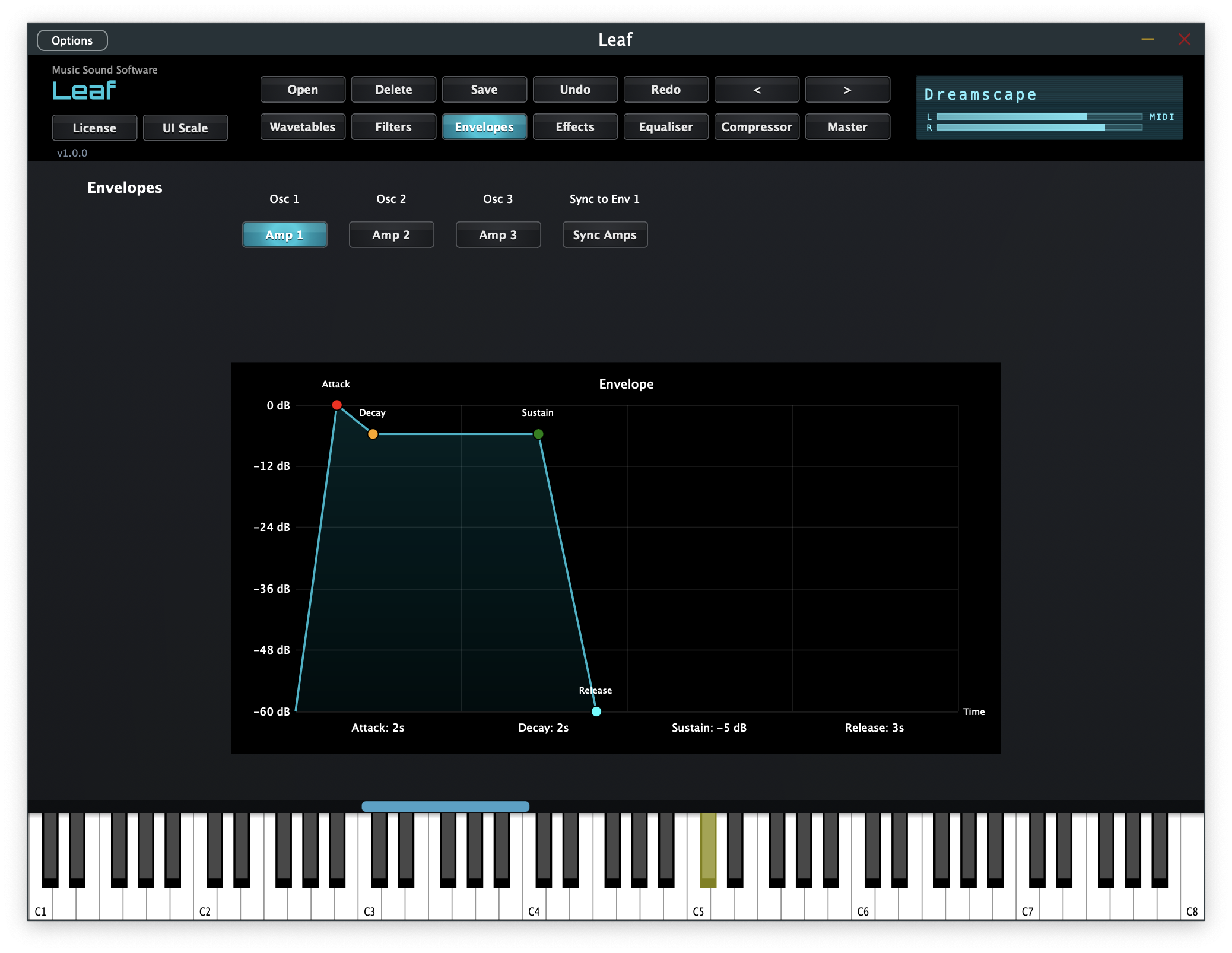
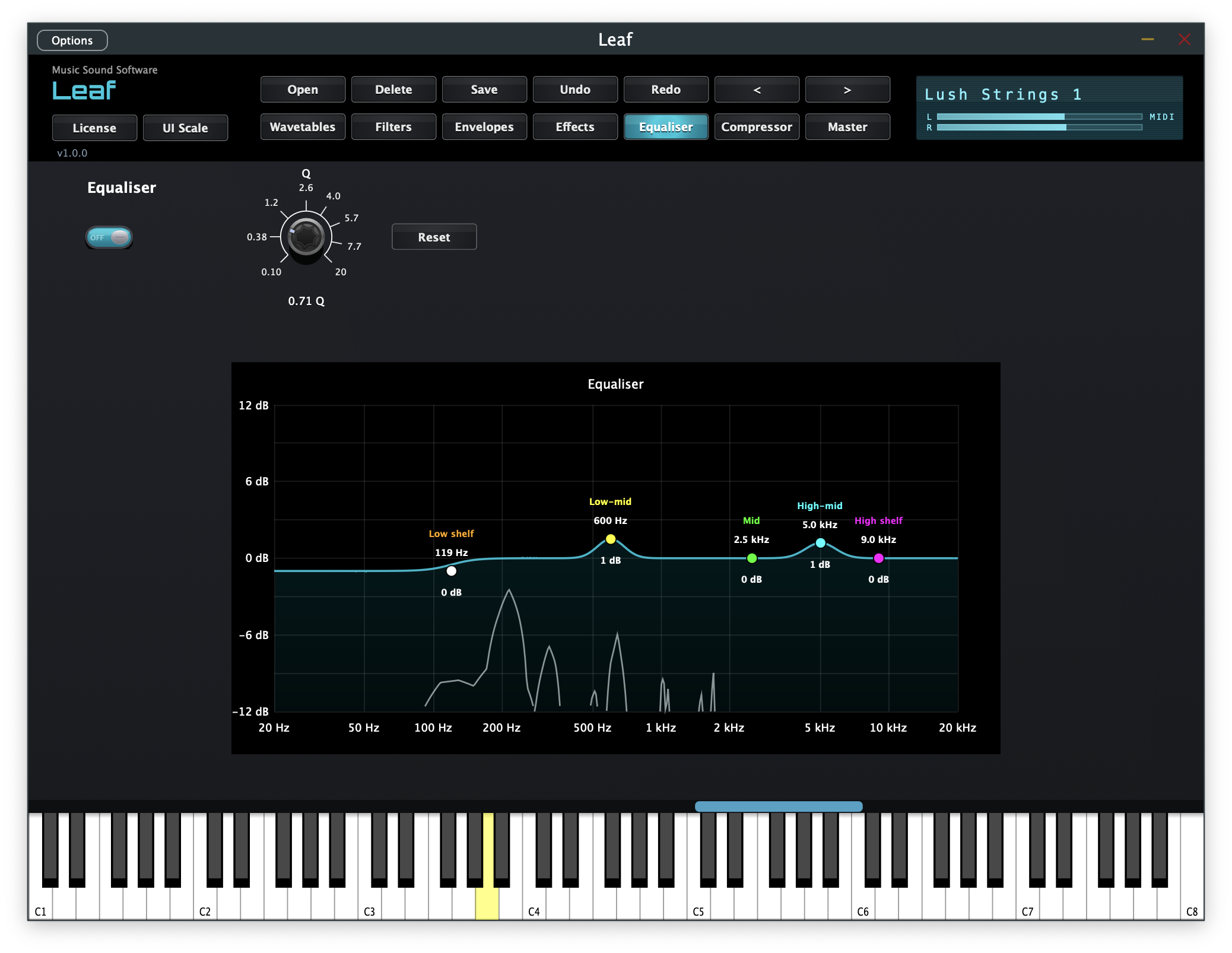
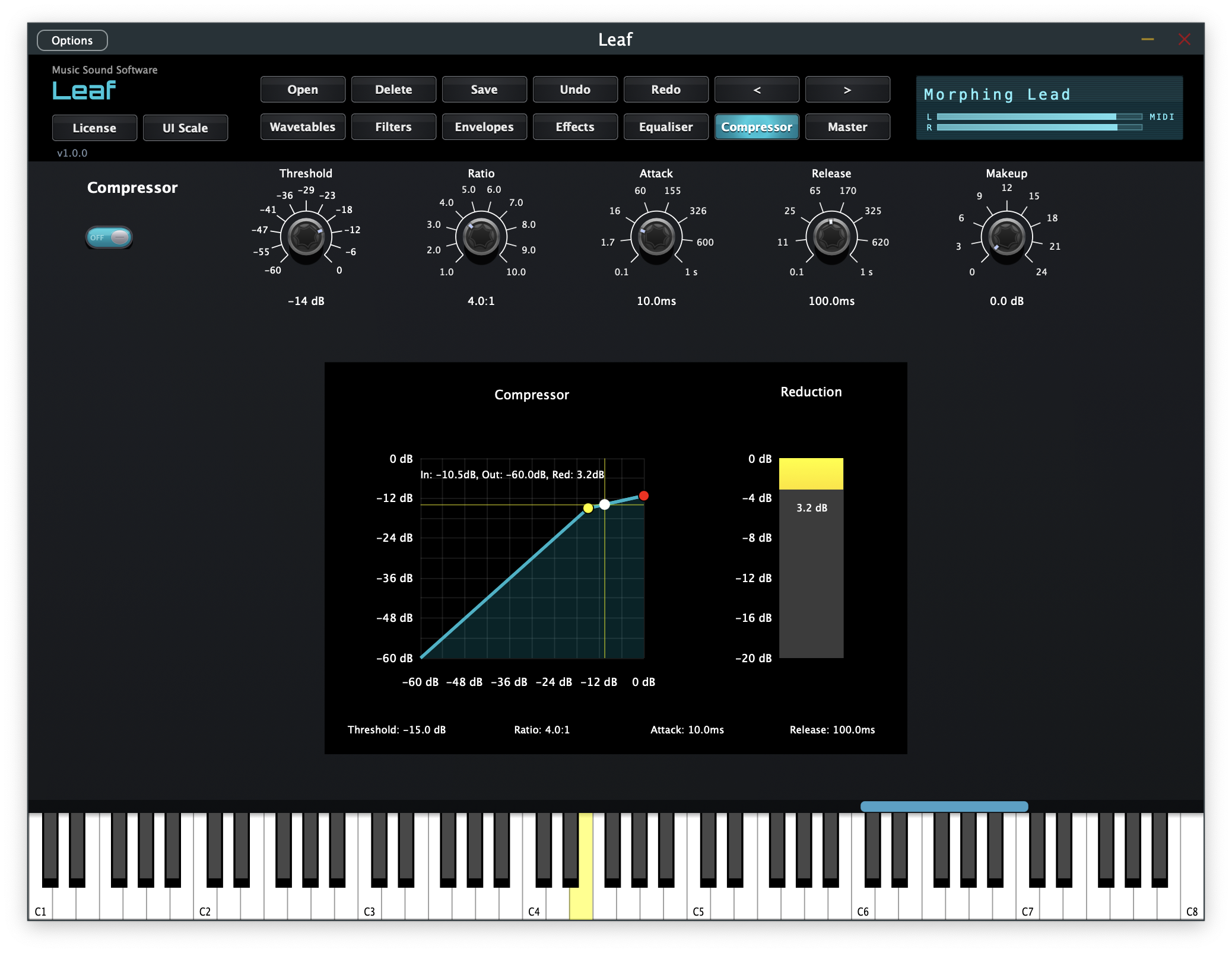
ADSR envelopes, LFO waveforms, wavetable position, filter response, EQ curve, and compressor curve — see your sound as you shape it. Envelope and filter visualisers are interactive; drag the controls directly.

Virtual Keyboard & MIDI Input

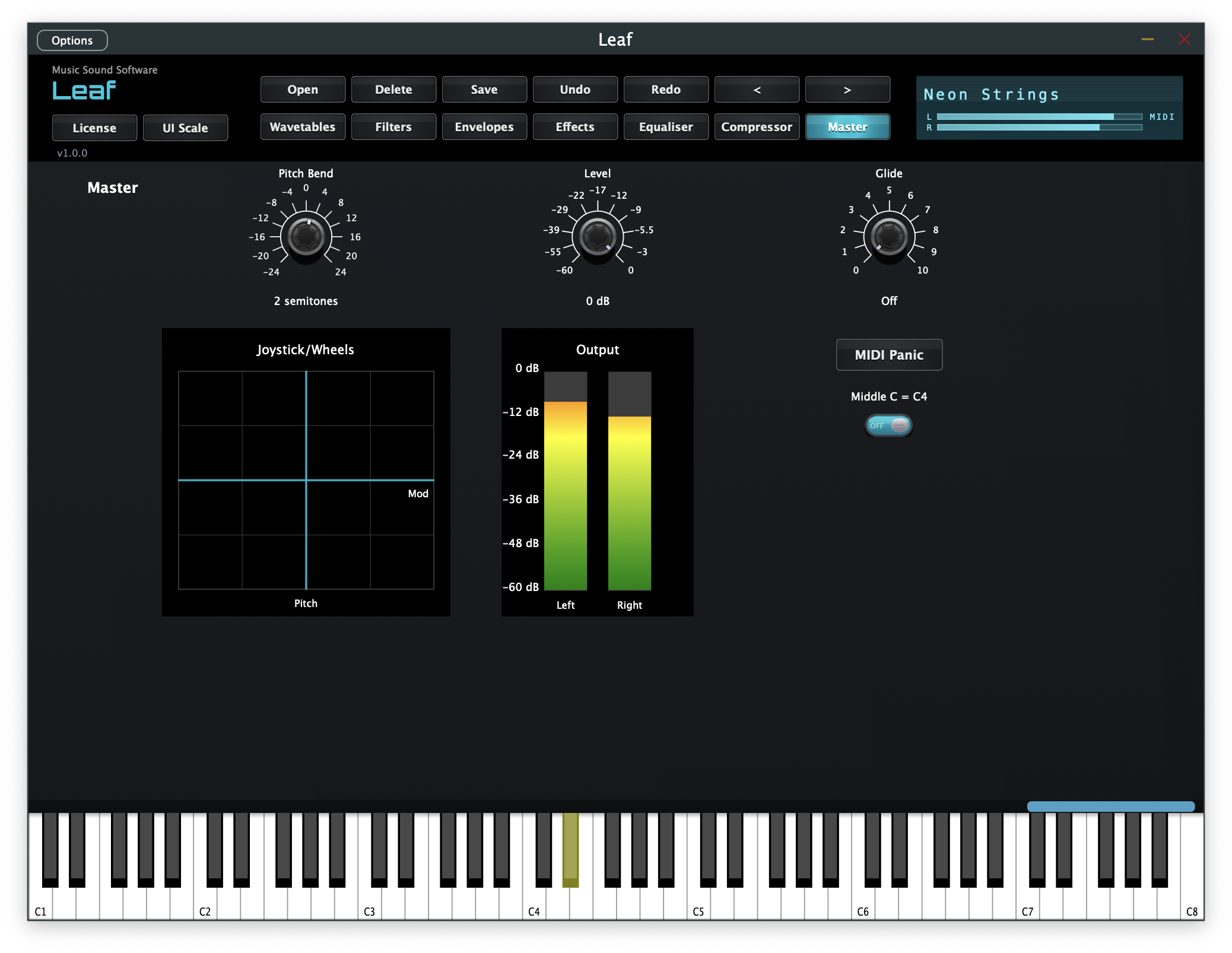
Play directly from the on-screen virtual keyboard at the bottom of the UI — no MIDI controller needed. Connect a MIDI keyboard and it works automatically. Pitch bend and mod wheel are fully supported, with real-time pitch and mod visualisers.

MIDI CC Control

Key parameters respond to MIDI control change messages out of the box: CC 74 (filter brightness), CC 71 (resonance), CC 73 (attack), CC 72 (release), CC 7 (master volume), CC 10 (pan), CC 5 (glide), CC 1 (mod wheel / LFO depth), CC 64 (sustain pedal). All CCs update the UI instantly and are fully automatable in your DAW.

⚠ Windows Installation Note

Because Leaf has not yet been signed with a code-signing certificate, Windows may display a security prompt. This is normal for independent software.

Step 1 — Complete the download in Edge
  1. When Edge shows "This file isn't commonly downloaded", click next to the blocked download.
  2. Click Keep.
  3. Click Show more → Keep anyway.
Step 2 — If Windows SmartScreen blocks the installer
  1. When you see "Windows protected your PC", click More info.
  2. Click Run anyway.