A genuinely capable subtractive synth, not a stripped-down demo.
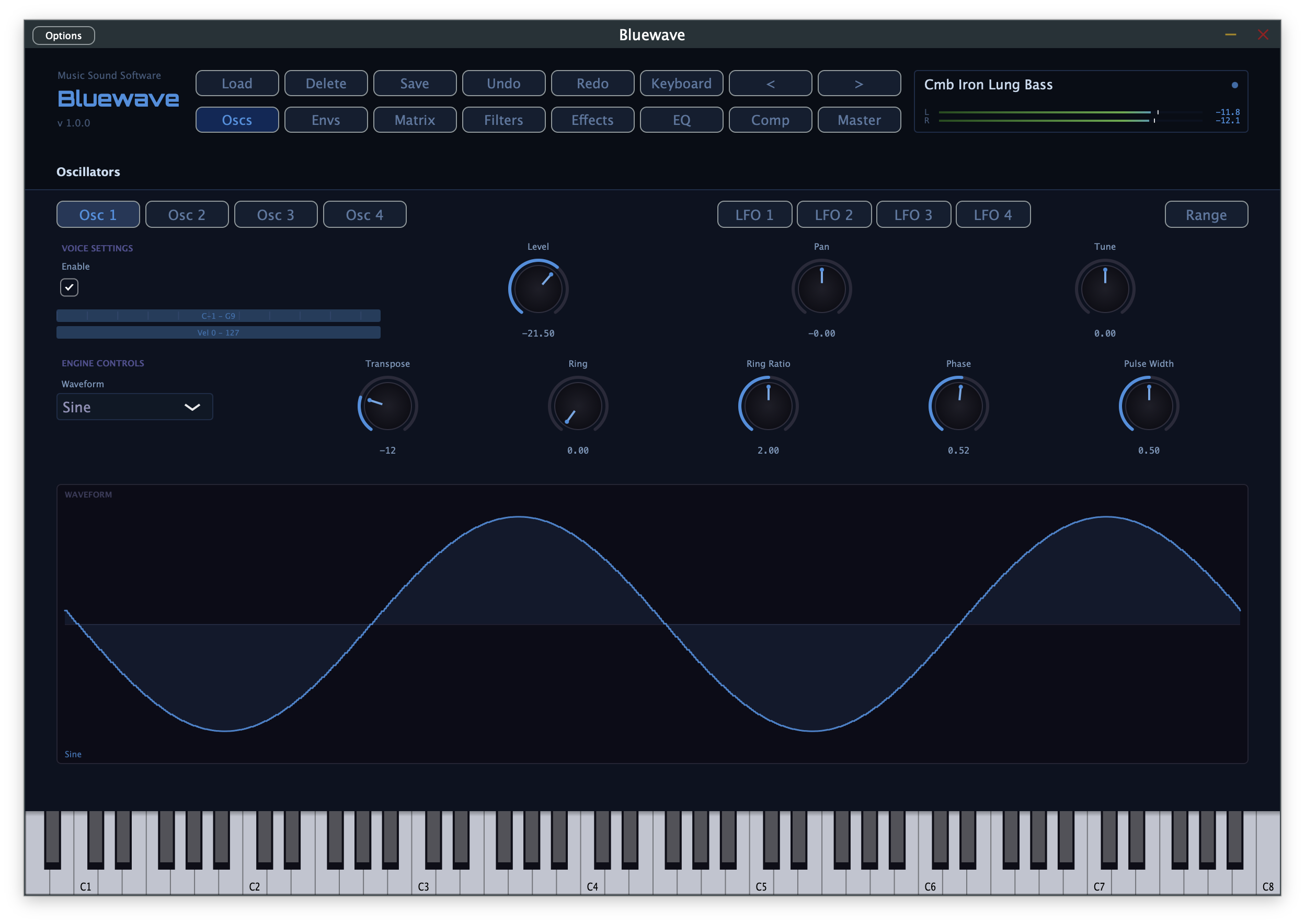
Four Oscillators, Seven Waveforms
Sine, Sawtooth, Square, Triangle, SuperSaw (7-voice detuned stack, JP-8000 style), variable-width Pulse, and Noise — all bandlimited (PolyBLEP) to stay alias-free across the full keyboard range.
True Ring Modulation
Every oscillator has ring modulation with an independently-running modulator — not phase-locked to the carrier — for genuine inharmonic, bell-like tones, not just harmonic reshuffling.
Keyboard Splits & Layers
Oscillators can be tuned, transposed, panned, and split or layered across the keyboard by note and velocity range.
Deep Modulation, Simplified
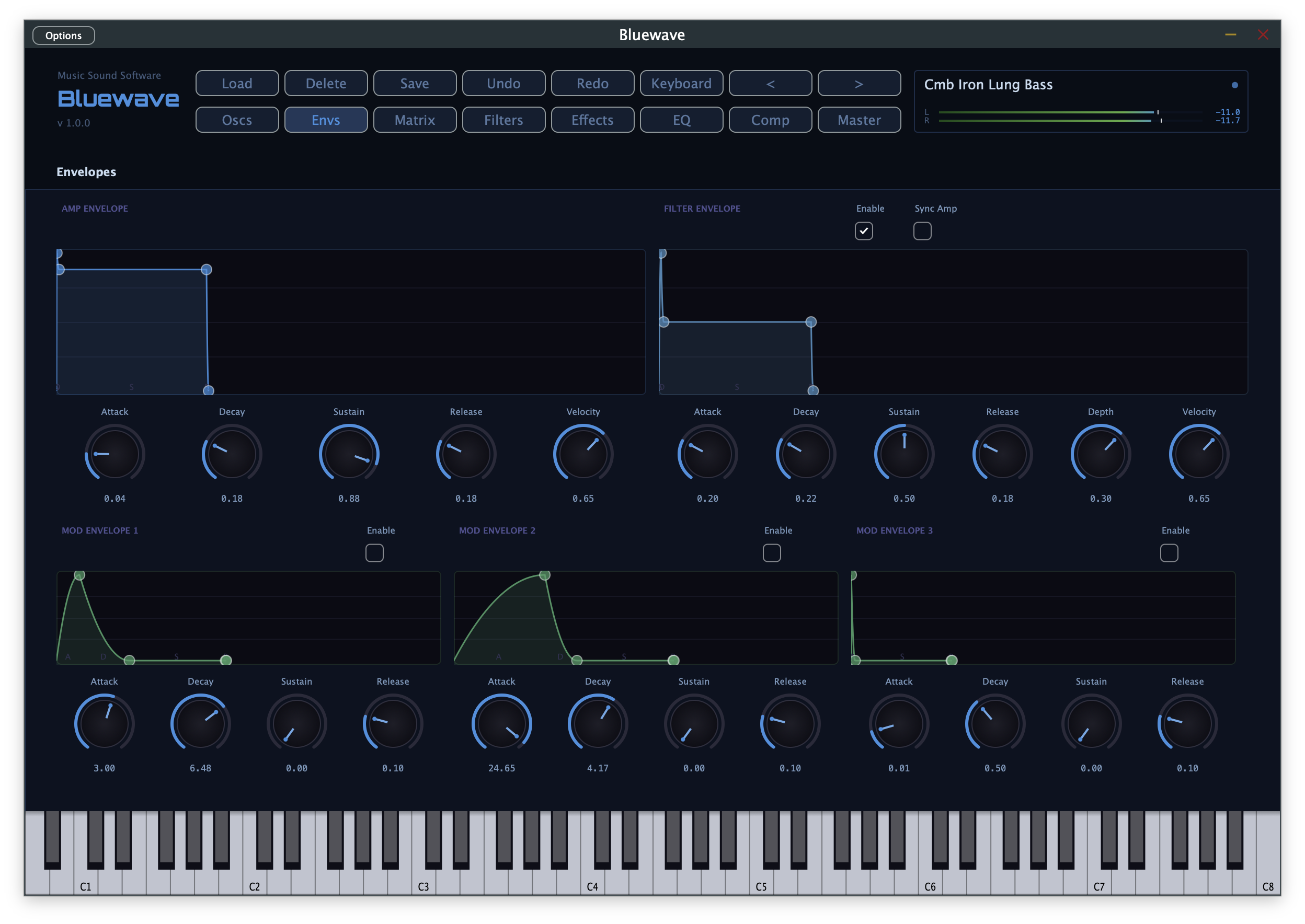
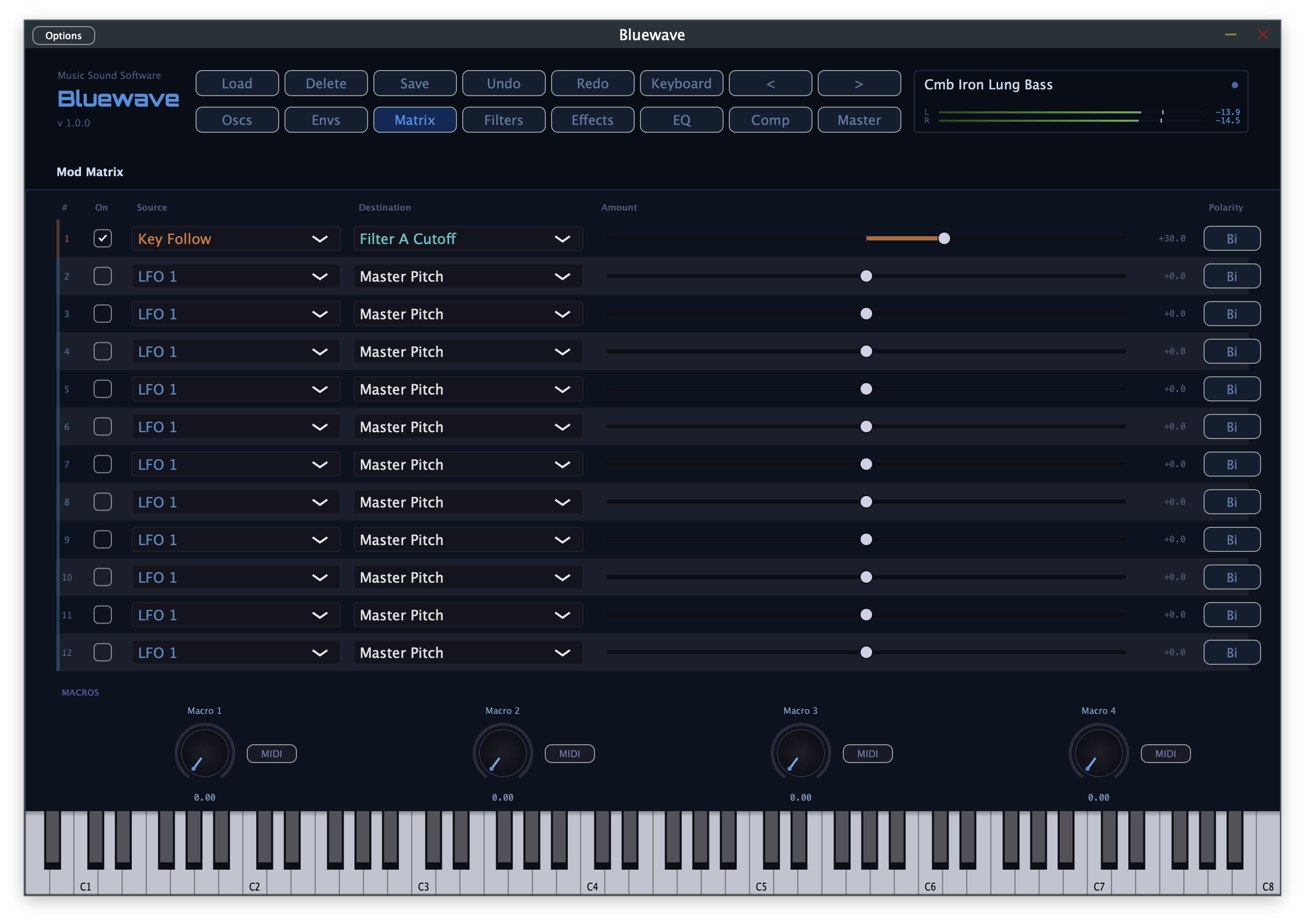
4 LFOs (2 per-voice, 2 global, tempo-syncable), dedicated Amp and Filter envelopes, and 3 freely assignable Mod Envelopes feed a 12-slot modulation matrix — the same routing engine used across the whole Music Sound Software line.
Rich Modulation Sources
Velocity, aftertouch, mod wheel, key follow, 4 macro knobs, and mappable MIDI CCs — all routable through the mod matrix.
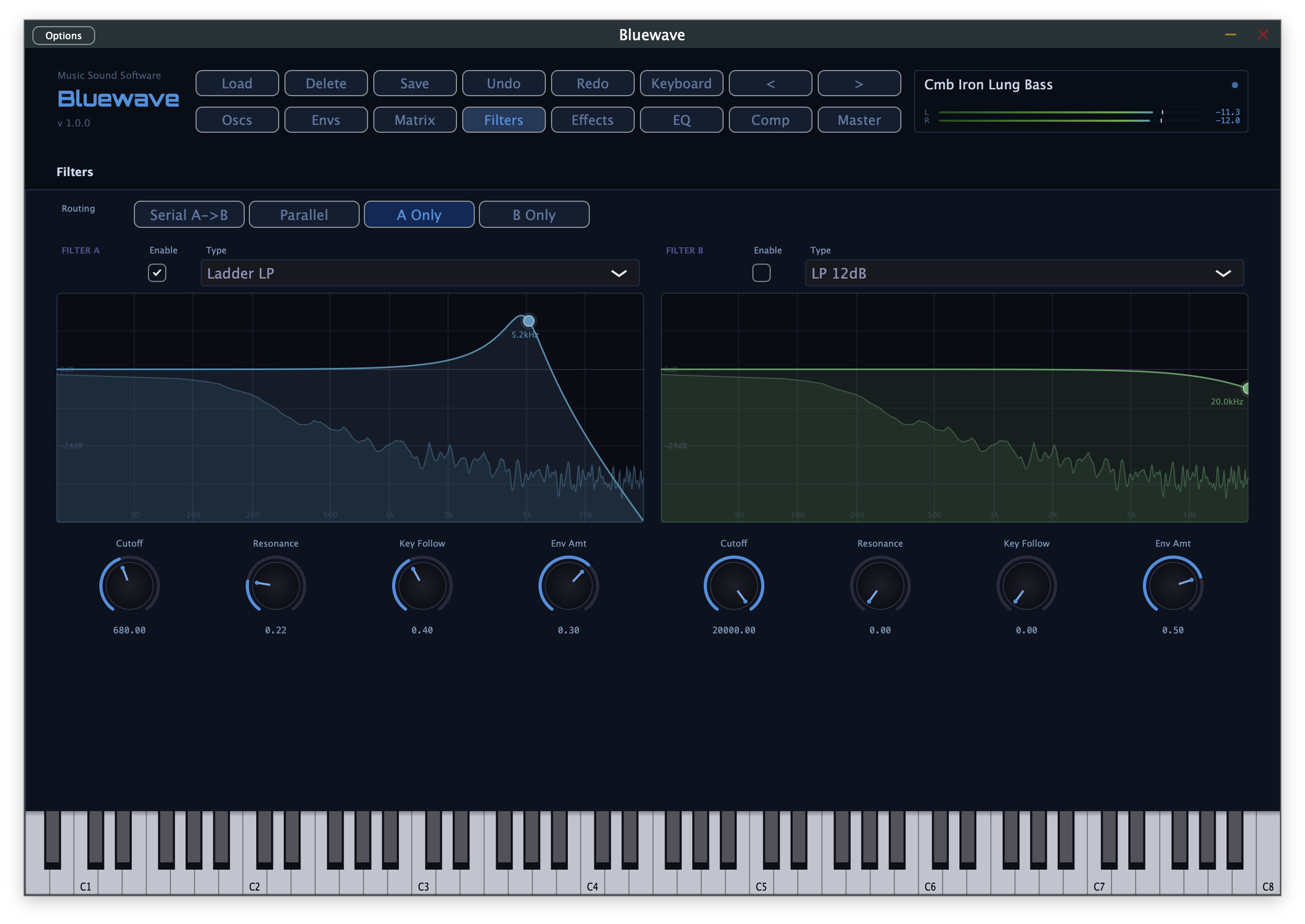
Dual Filters, 12 Types
Serial, Parallel, A-only, or B-only routing across 12dB/24dB Low Pass and High Pass, Band Pass, Notch, Peak, Ladder LP/HP, Formant, Comb, and a Waveshaper.
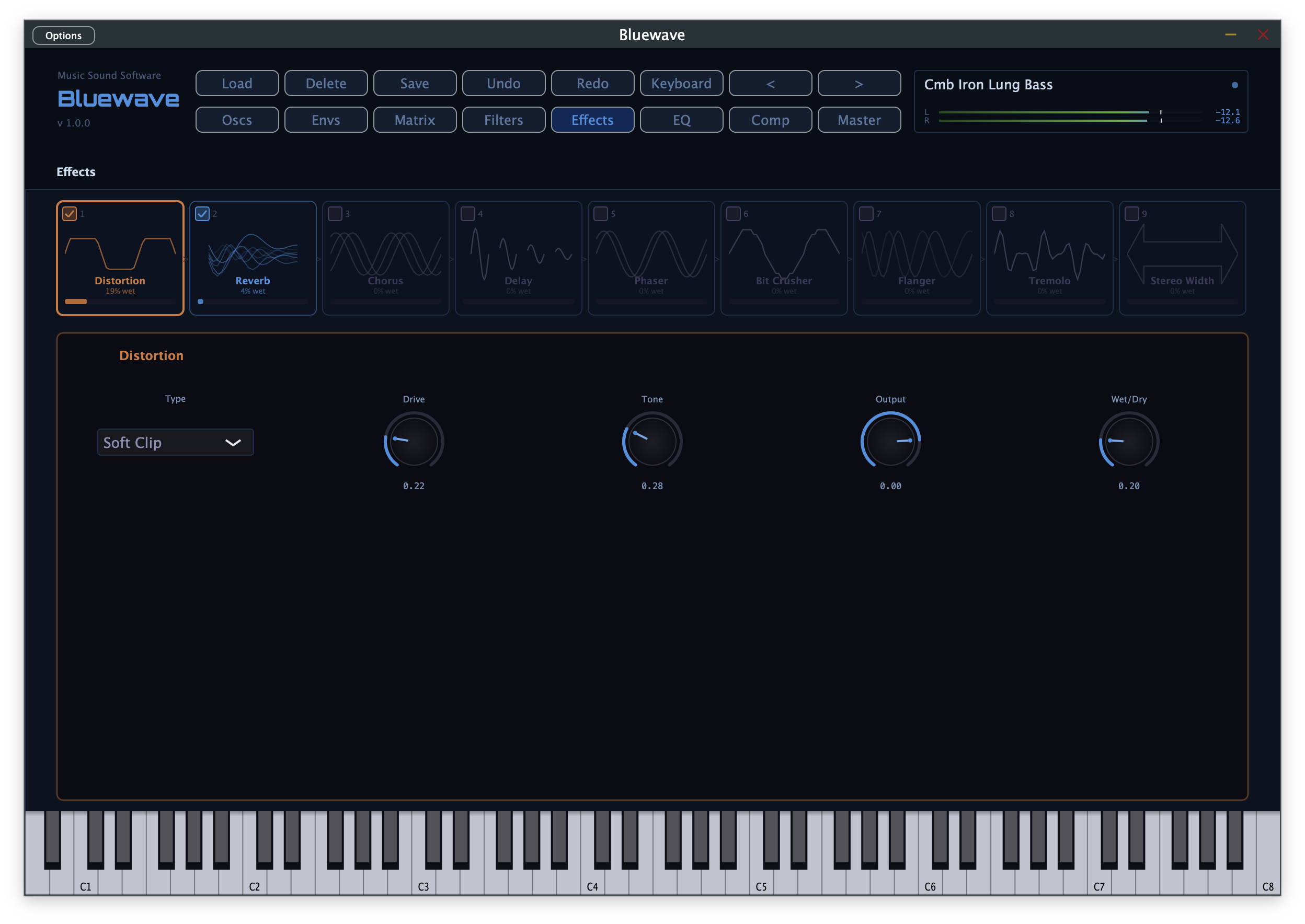
9 Reorderable Effects
Distortion, Phaser, Chorus, Delay, Reverb, Bit Crusher, Flanger, Tremolo, and Stereo Width — the exact same effects engine found in Hybridwave.
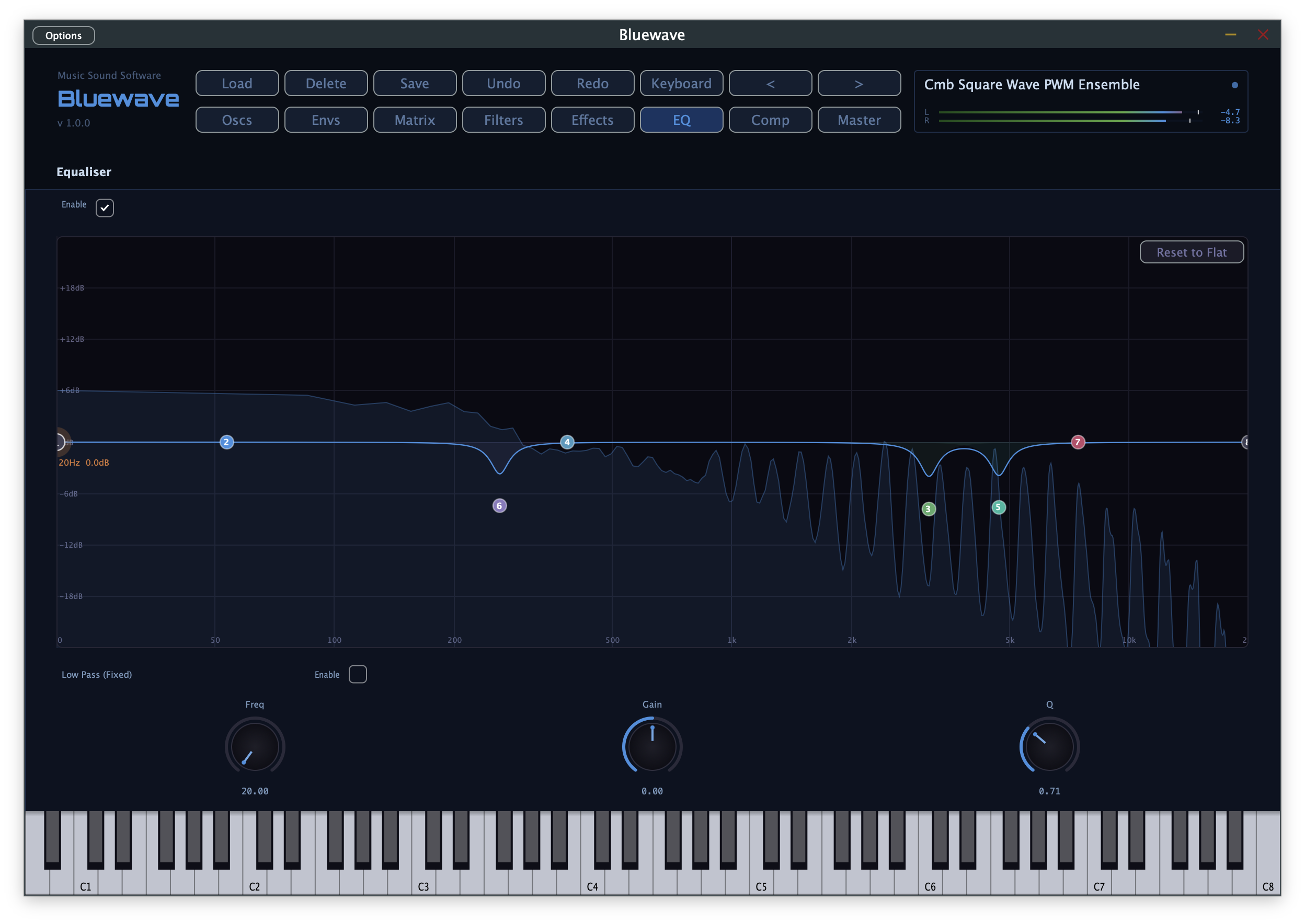
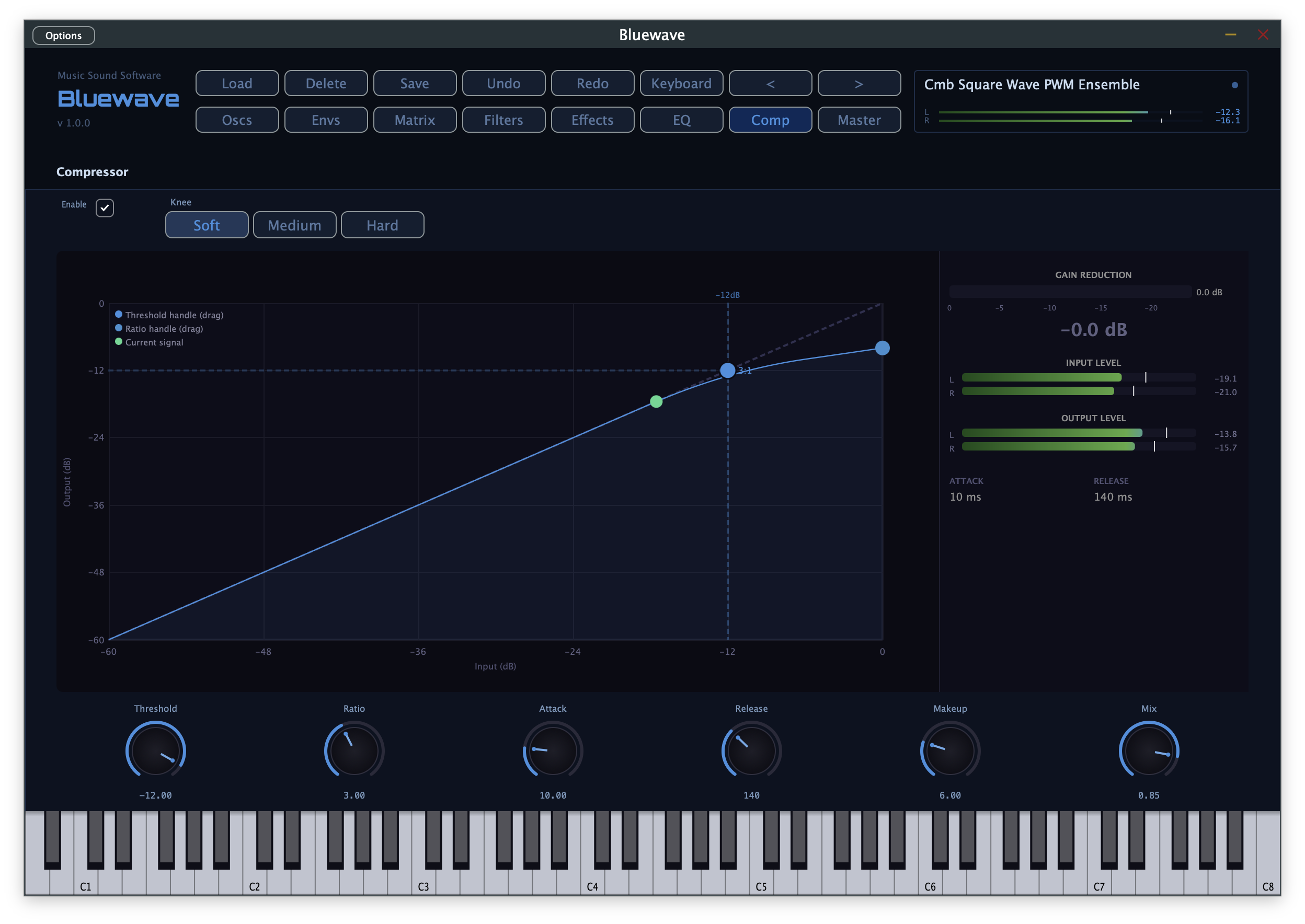
8-Band EQ & Compressor
An 8-band parametric EQ with a live spectrum overlay, plus a mastering-style compressor with an interactive transfer curve — the same mixing engine found in Hybridwave.
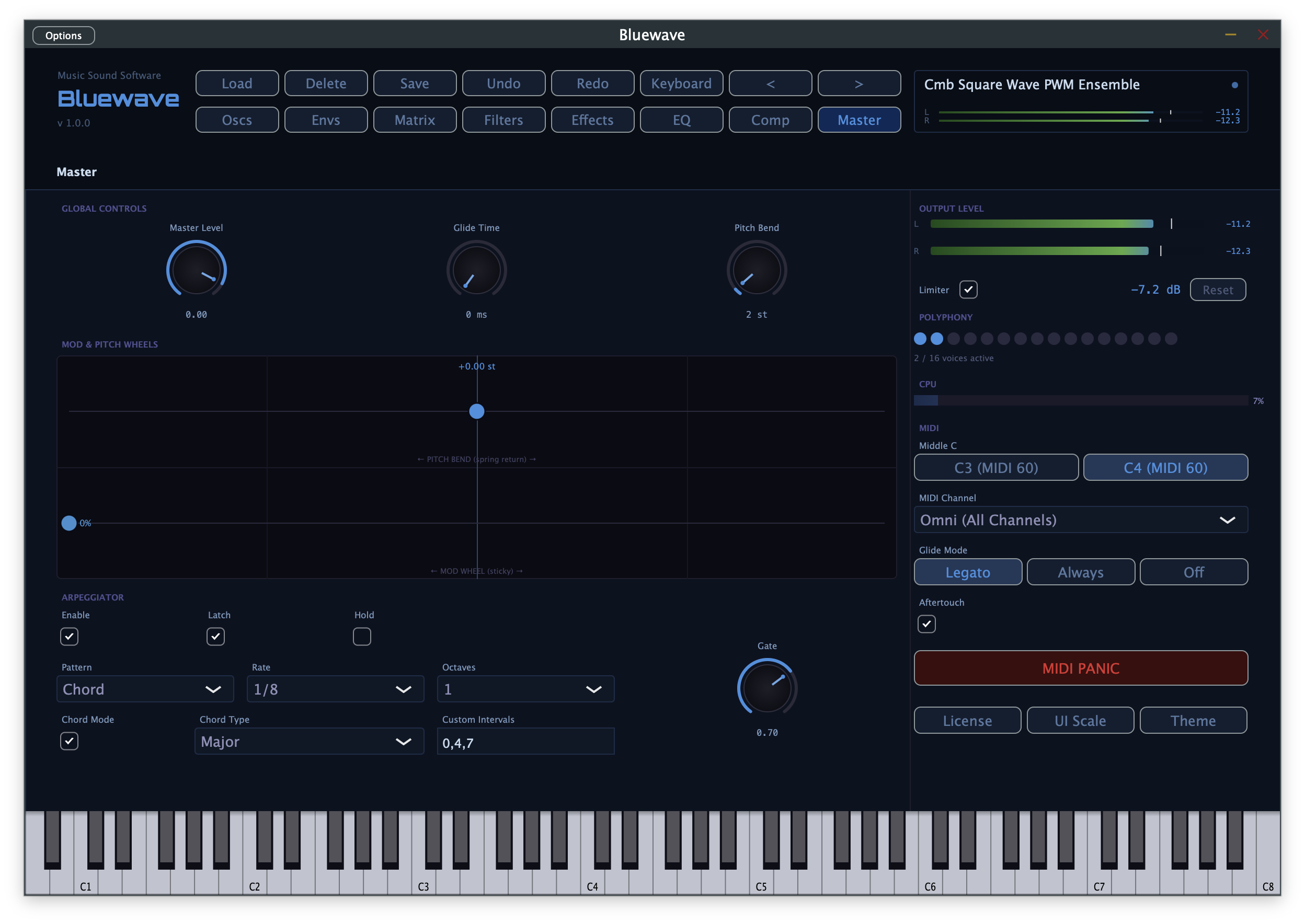
Performance-Ready
Built-in arpeggiator with pattern, chord, and custom-interval modes, glide with Legato/Always/Off modes, full aftertouch support, and a master limiter to catch peaks.
126 Factory Presets
A curated library spanning leads, basses, pads, plucks, and textures — built from the ground up for Bluewave's subtractive engine, not carried over as leftovers.
Five Colour Themes
Cobalt, Harbour, Slate, Fjord, and Graphite — purely cosmetic, with no effect on sound. Your choice is remembered between sessions.
Scalable UI
A resizable interface that fits your screen and workflow, however you like to work.